IDP
Employee directory sync & SSO
IT Directory gives IT teams and the MSPs who support them a single, real-time view of every laptop, license, employee, and domain a company owns — replacing the spreadsheets most IT teams default to.
Laptops nobody remembers assigning. Software subscriptions renewing on autopilot. Licenses sitting unused. Domains expiring without warning. For MSPs juggling several client organizations at once, that problem multiplies. IT Directory centralizes all of it in one place, with permissions that scale from a single company to a whole portfolio of clients.
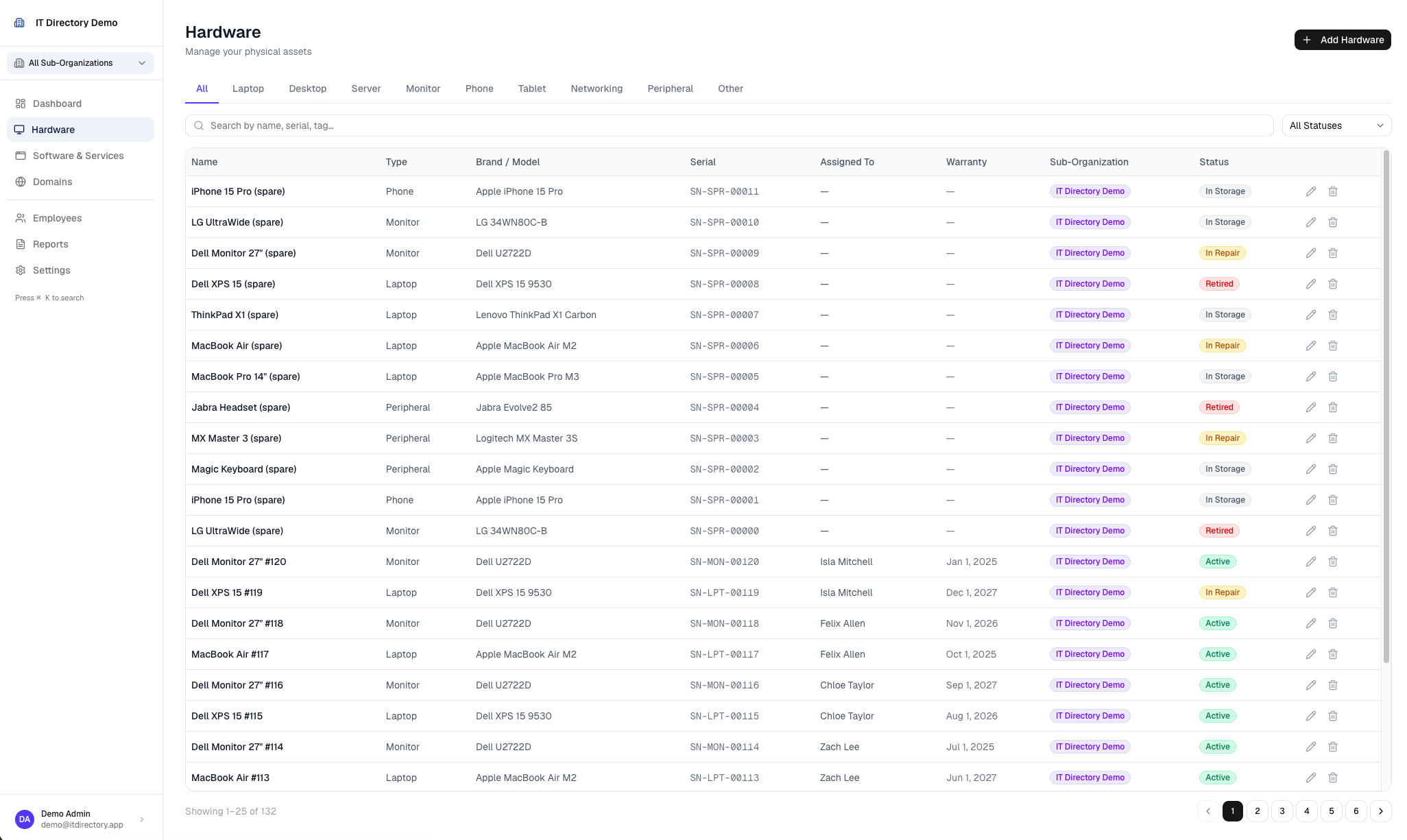
Track every laptop, desktop, server, phone, and peripheral, who it's assigned to, and its lifecycle status — active, in repair, retired, disposed.
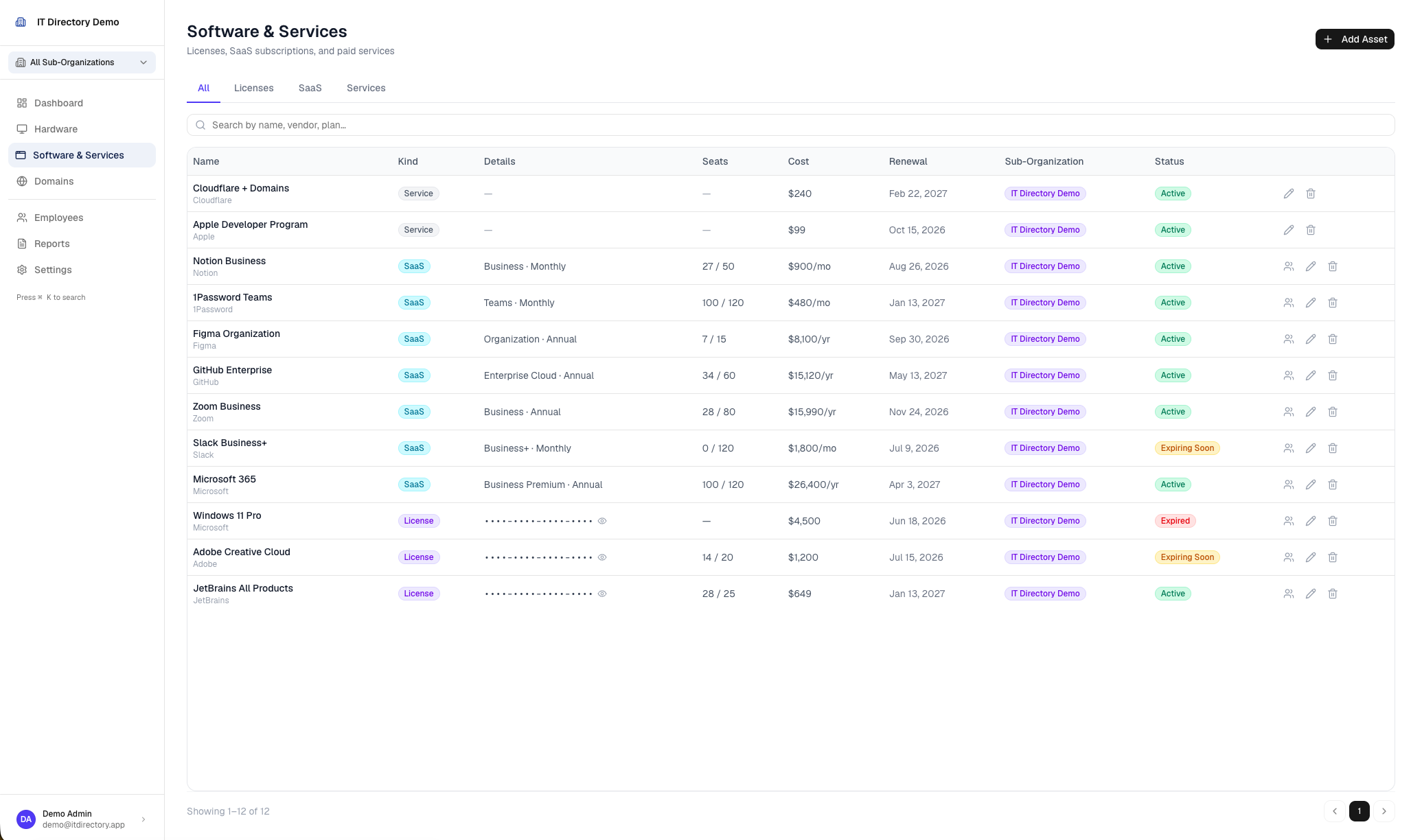
Licenses, SaaS subscriptions, and flat services in one model, with seat assignment, ownership, and renewal/expiry tracking.
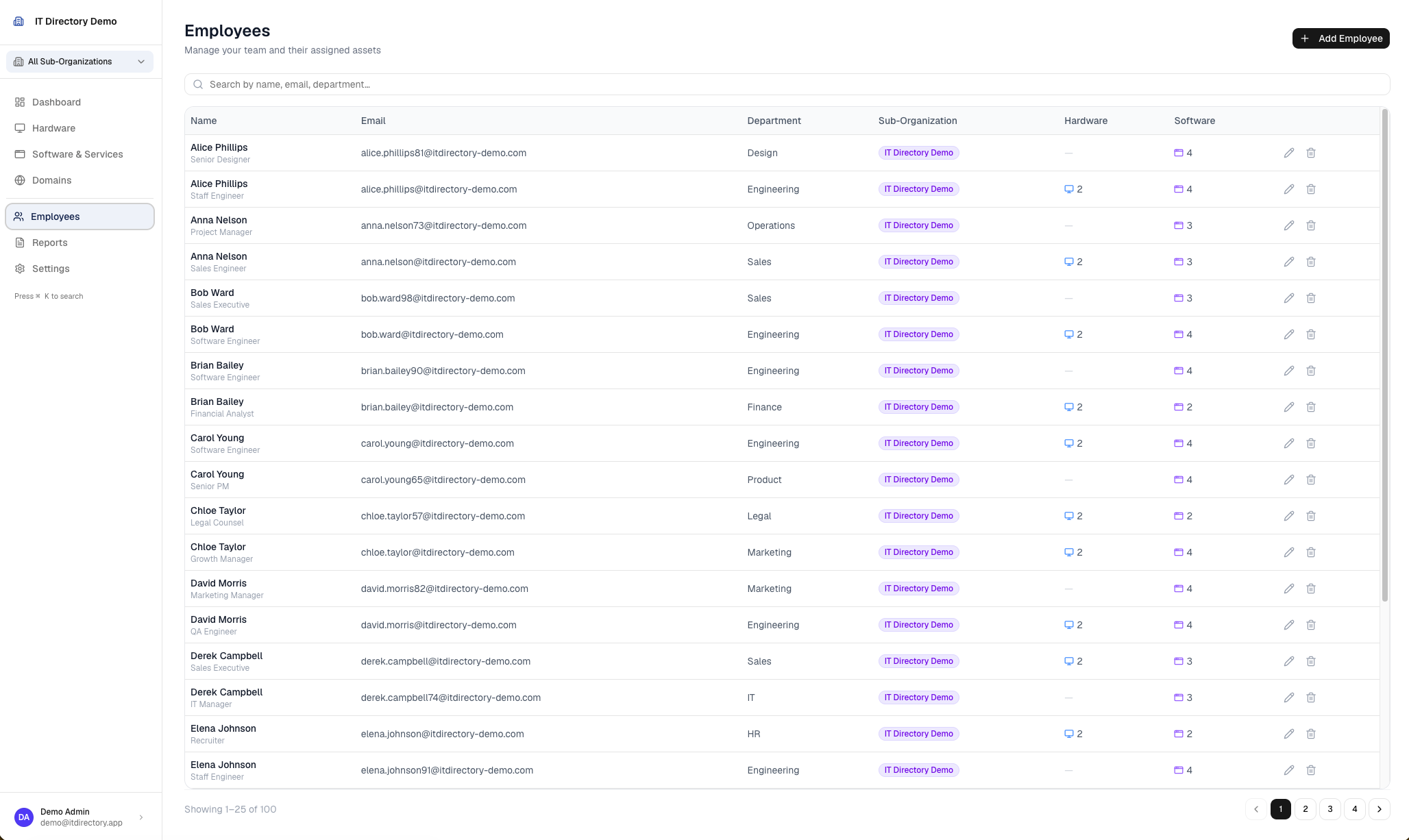
Every staff member with their assigned hardware and software seats visible in a single view.
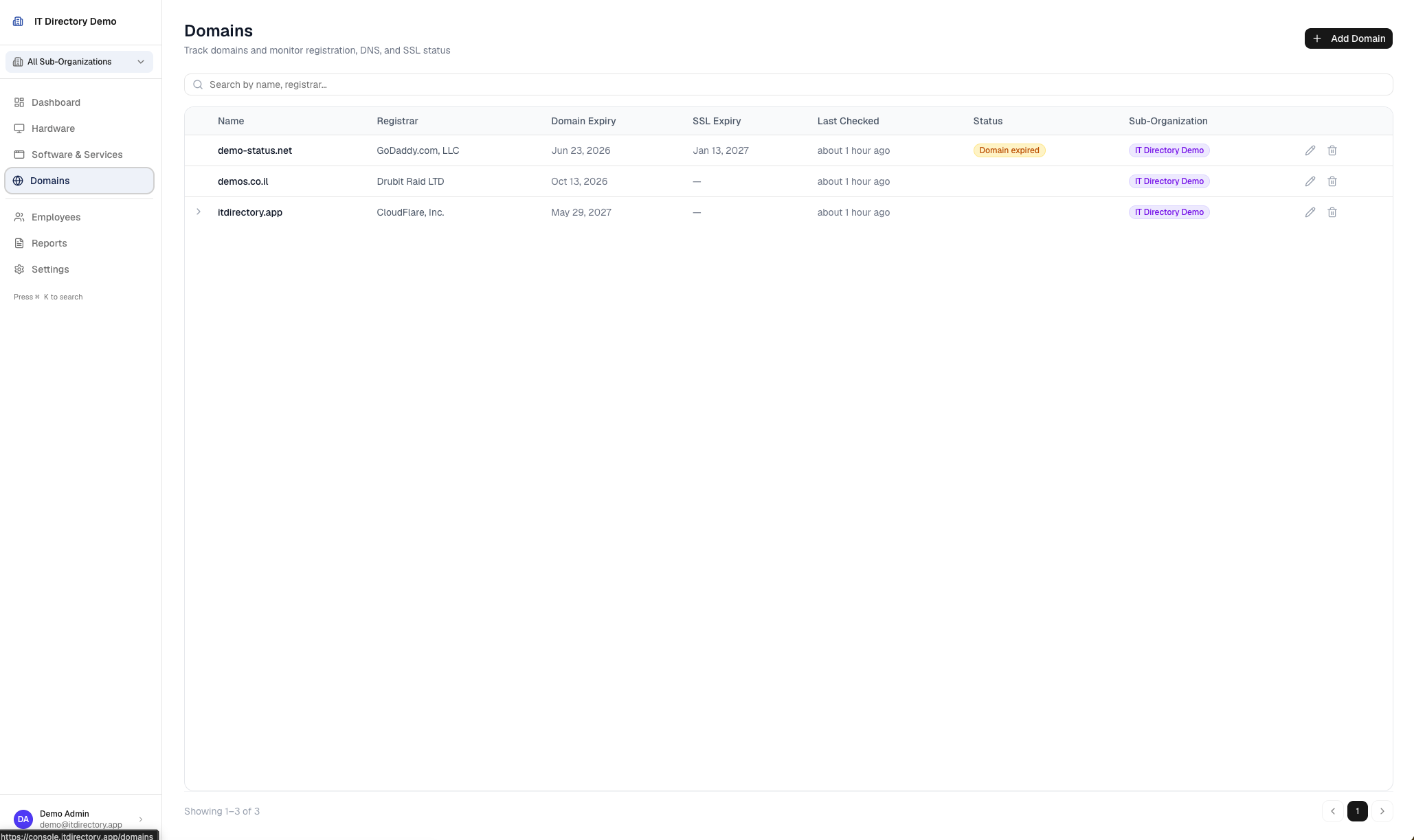
Registrar, expiry, DNS records, and discovered subdomains, so nothing lapses unnoticed.
The parts your team doesn't see, but relies on every day.
An external worker pattern handles long-running jobs independently of the web app, so the console stays fast while records stay current.
IT Directory syncs directly with the identity, device, and DNS providers most IT teams already run on — no manual data entry required.

Employee directory sync & SSO
Managed device sync
Domain & DNS sync
Open the console and bring your hardware, software, employees, and domains into one place.
Open console